
A strong answer can be lost when the interviewer cannot hear you, your connection fails, or you join at the wrong time. A simple technical routine prevents most video-interview problems.
Test the same device, room, earphones, and internet connection you plan to use. Do the rehearsal at the same time of day when possible, because household noise and network speed may change.
What to check before the call
- Time zone: Convert the invitation carefully and confirm the date in writing.
- Internet: Test speed and keep a mobile-data backup if available.
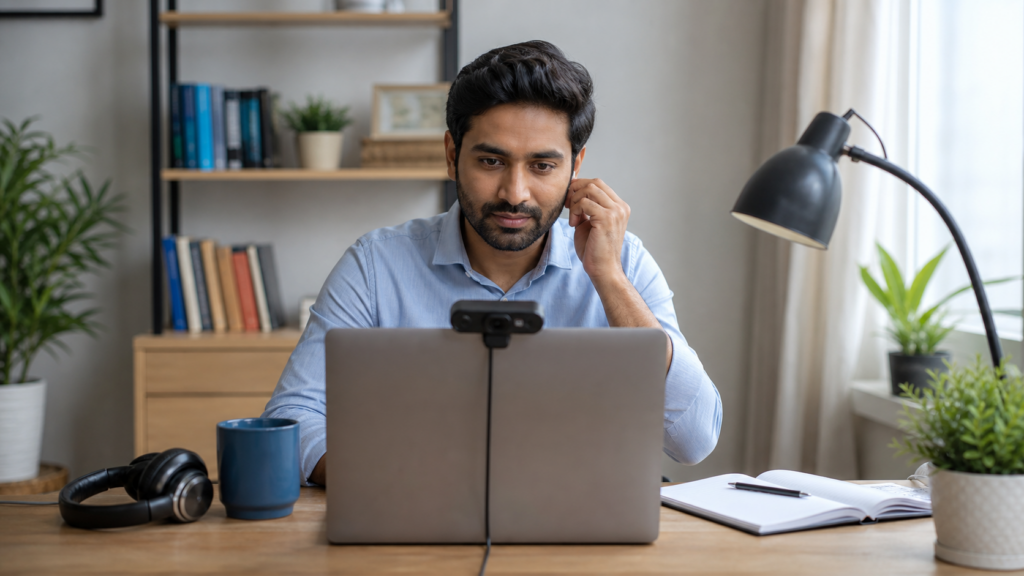
- Camera: Place it at eye level with light in front of your face.
- Audio: Use the clearest microphone and remove background noise.
- Documents: Keep your CV, vacancy, ID, and short notes within reach.
- Environment: Choose a quiet, neutral space and silence notifications.
A practical step-by-step plan
- Open the meeting link one day early to check software requirements.
- Run a full practice call with another person.
- Rename your meeting profile professionally.
- Join ten minutes early and keep the recruiter’s contact details ready.
- Look toward the camera when answering and pause after the question.
- Send a short professional follow-up after the interview.
Mistakes to avoid
- Reading complete answers from the screen.
- Using a virtual background that cuts around your face.
- Taking the call from a moving vehicle or noisy public place.
- Clicking unknown links or sharing OTPs during an interview.
How Kovon can help
Practise job readiness through Kovon Assessments and search verified opportunities with the Kovon app.
Always verify the latest employer, immigration, licensing, and government requirements before making a payment or travel decision. A job application or assessment does not guarantee selection, a visa, or placement.